LLM · Agents · Tool-use · Retrieval
Spencer AI
The conversational agent embedded on this site. Answers from my background, project descriptions, and a blog index, with optional curated reference material. Streams responses through OpenRouter, can retrieve indexed reference context, offers a scheduling link via tool-use, and stays cheap with per-IP rate limiting. The pulsing pill in the bottom-right corner of any page is the entry point.
What it does
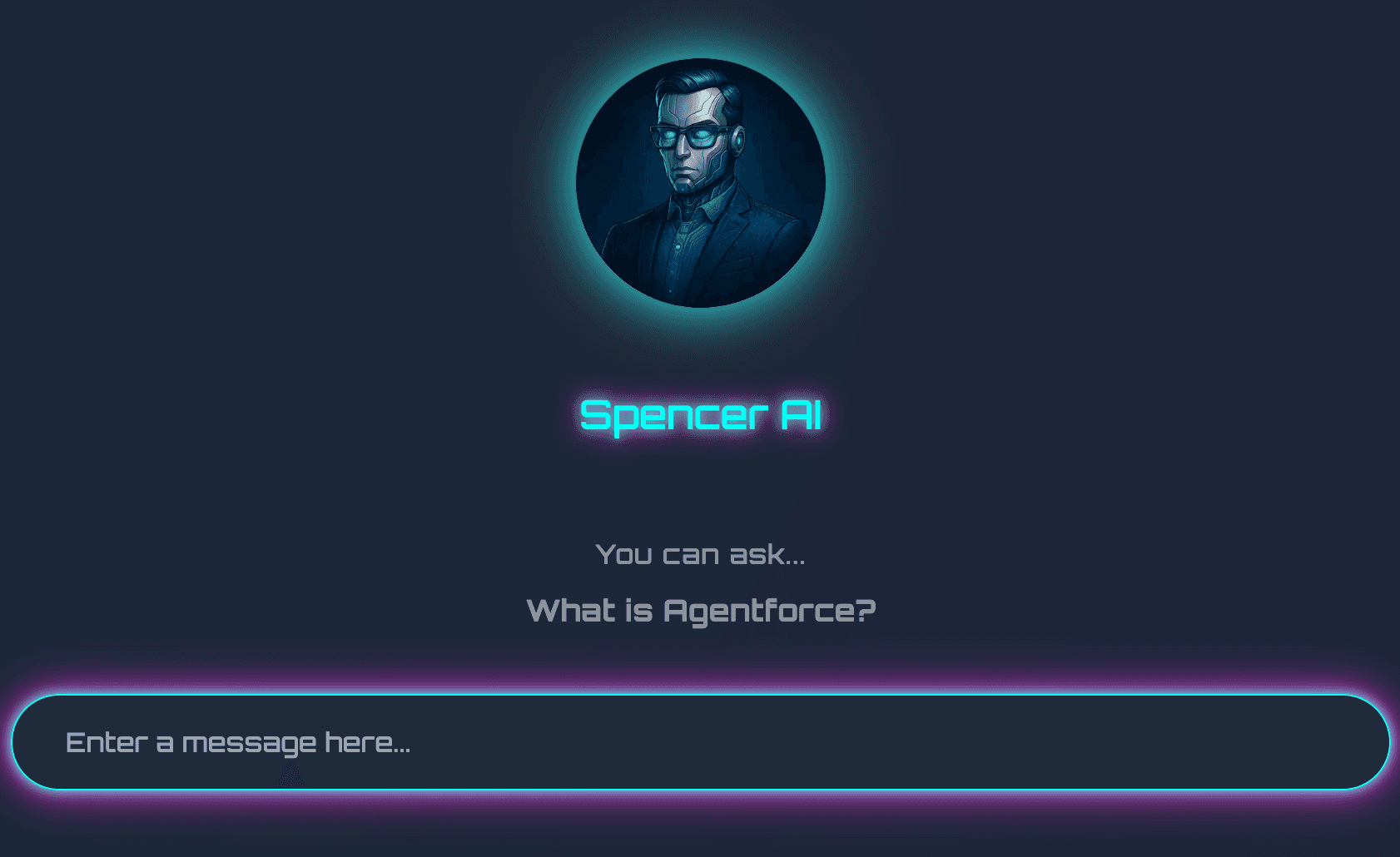
Spencer AI is a chat assistant that lives on every page of this site. Click the pill in the bottom-right corner. It opens a panel that knows my work history, my writing, the projects on this site, and a separate corpus of reference material I curate out of band (case studies, technical notes, longer writing I don't necessarily publish on the blog). Ask it anything about my background, my take on a particular AI topic, or what I'm currently working on. When you want to actually talk to me, it can render a calendar booking widget directly in the chat. The card opens Google Calendar in a new tab, where you choose a time and complete the booking. The assistant cannot read availability or book on your behalf.
The whole point is to make the cold-email step optional. A recruiter or operator who lands here can get a useful, conversational read on whether I'm worth a meeting, and follow the scheduling link if a meeting makes sense.
How it works
The technical shape is intentionally boring, because the value lives in the system prompt, the retrieval, and the tool-use rather than the model layer.
- Streaming chat through OpenRouter via the Vercel AI SDK. Model is swappable through an env var; the configured default is
openai/gpt-4o-mini. The chat dock usesuseChatfor streaming + state management. - A compiled-at-request-time system prompt. My public career summary, project list, and an index of every blog post on the site get assembled into one prompt at the moment of the request. Updating the site updates what the assistant knows on the next response, no separate indexing step required.
- Optional retrieval over curated reference material. When the Drive and embedding credentials are configured, documents in a shared Google Drive folder get indexed at build time. This API-key integration requires readable shared material; it is not a private Drive authorization flow. Short documents are stuffed inline into the system prompt on every request. Long documents are split into ~500-token chunks and embedded with
text-embedding-3-small. At request time, the user's question is embedded and the top-5 chunks are pulled by cosine similarity and added to the prompt. A build regenerates the index; missing credentials produce an empty index and the assistant falls back to its built-in context. - Tool-use for a scheduling handoff. When you express interest in meeting, the model calls an
open_bookingtool. The client renders a small inline booking card with a clear CTA that opens my Google Calendar appointment scheduler in a new tab. The booking itself happens in Google Calendar. - Per-IP rate limiting. Vercel KV when configured, with a per-instance in-memory fallback when credentials are absent or KV fails. Prevents my LLM bill from being a problem on bot-discovery days.
- Voice constraints in the system prompt. Spencer-style: direct, no em dashes, no AI tells like "I'd be happy to" or "delve." Keeps the assistant from feeling like the median chatbot.
- UX scaffolding. Scroll-triggered nudge that surfaces the bot on first visit, conversation reset button, conversation persisted only in memory (no transcripts stored), Esc to close.
Why I built it
Two reasons. The first is the obvious one: a personal site that responds to questions is more useful than one that doesn't. The cold email a recruiter would otherwise send becomes a conversation the assistant can offer the appointment scheduler. That is a better experience for everyone.
The second reason is that I deploy these patterns inside large businesses for a living, and the fastest way to keep my intuition honest is to build a small version for myself. The integration choices, the system prompt design, the retrieval strategy, the tool-use ergonomics, the rate-limit decisions, the question of how chatty the bot should be before suggesting a meeting: these are the exact decisions a portfolio company has to make when it ships its own customer-facing agent. Having my own version that I have shipped end to end keeps me grounded in the parts that are harder than they look.
A note on the old version
An earlier iteration of Spencer AI ran on Salesforce Agentforce as a standalone web demo. That sandbox org has since expired and the external URL no longer works. The current Spencer AI is the in-site chat above. Same idea, different implementation, fewer moving parts, maintained with this site.